Mac
A Mac app for Apple silicon, with its own Metal renderer.
Metal · macOS 14.4+

Native port · Built from the decompiled Xbox source
The original, recompiled for Mac, Windows, Linux, Android, VR, 4K and 128 players.
The 2001 game, compiled natively from its decompiled source. It plays exactly as it shipped, and new Vulkan and Metal renderers make it look the way you remember.
Plays exactly like the original. Looks the way you remember.
Online and on the LAN, with up to 4 in split screen on each machine.
Play the story with friends over the internet. No servers to set up.
The game in stereo, with your hands doing what the buttons did.
Windows, Mac, Linux and Android: a 64-bit program on every one.
On Windows, Linux, Android and the Steam Frame; Metal on the Mac.
Built for the Mac and Apple silicon.
On headphones, every sound comes from its direction, muffled by walls, in the room's echo.
01 · Dynamic lights
The original lit a whole wall at once. GOAT H1 lights every pixel by how far it is from the blast, so light pools near the fire and fades into the dark. Drag across the shot.
Real capture, the same run twice · Rat Race, a frag grenade · Original: the Classic preset at the Xbox's 640 × 480, a frame a tick · GOAT H1: Enhanced, frames between ticks
02 · Anti-aliasing
The original drew every edge in jagged steps. GOAT H1 smooths them with SMAA, and draws the HUD after, pin-sharp. Move the lens along the cliffs.
Real capture, the same run twice, enlarged 4× so the pixels show · Blood Gulch, a slow strafe · Original: the Classic preset at the Xbox's 640 × 480 · GOAT H1: Enhanced, SMAA
03 · The plasma glow
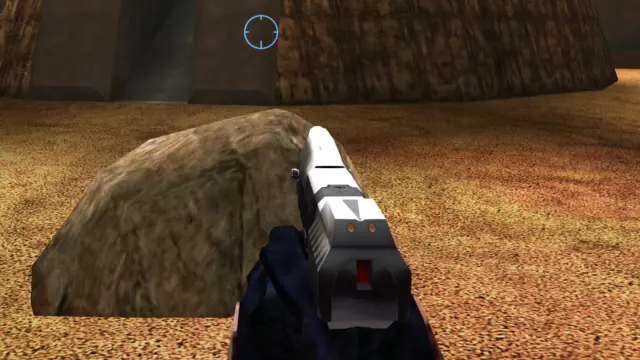
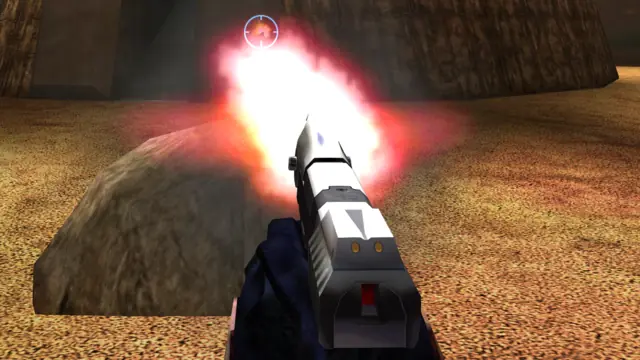
The original drew a plasma bolt as a flat flare. GOAT H1 gives every bolt in flight a soft glow, and lets it light the walls, the floor and the gun in your hands.
Real capture, the same run twice · Rat Race, the plasma rifle · Original: the Classic preset at the Xbox's 640 × 480, a frame a tick · GOAT H1: Enhanced, frames between ticks
04 · Smooth at any refresh rate
The world still runs at 30 ticks a second, exactly as it shipped. GOAT H1 draws every frame in between at your display's rate: the camera, every object, every light, the motion tracker.
Real capture, the same run twice, Rat Race: Original, one frame a tick · GOAT H1, frames between ticks · 120 and 240 Hz displays get a frame for every refresh
05 · Ambient occlusion
Vehicles, players and objects get a soft shadow where they touch the ground and in their creases, so a Warthog looks parked on the sand instead of hovering over it. The level's own lighting stays as it shipped. Optional, and off by default while we polish it. Drag across the shot.
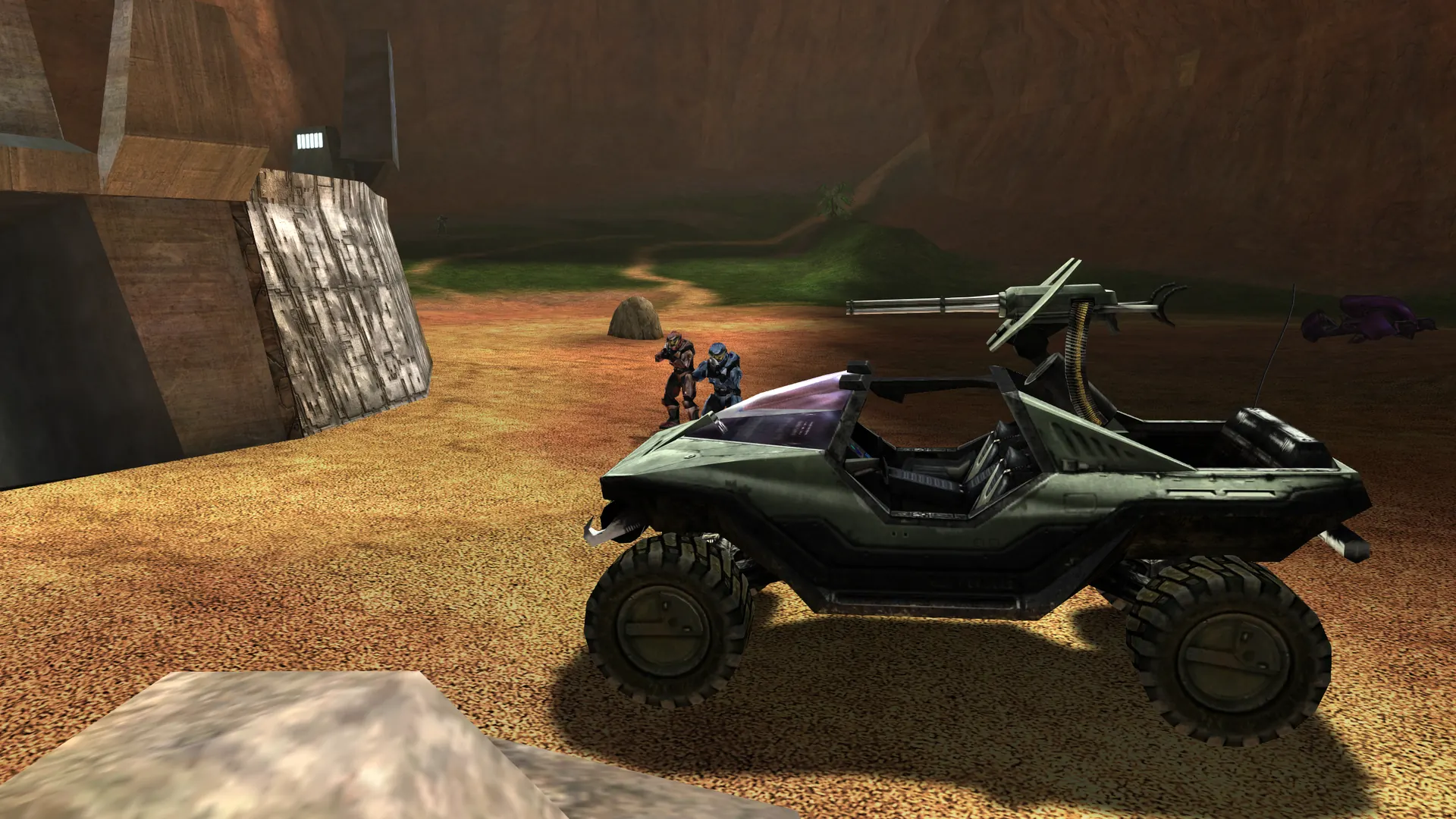
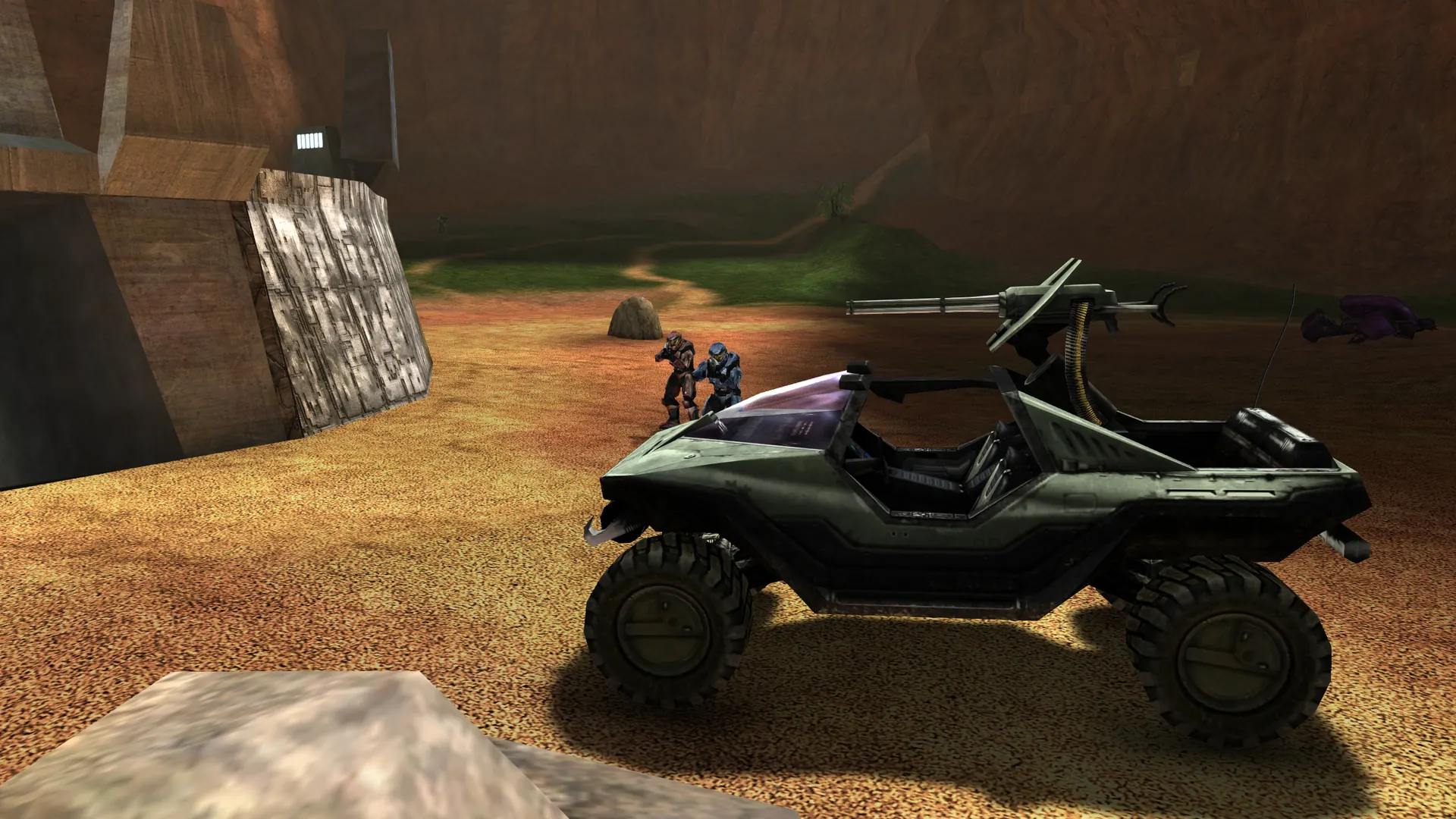 On
Real capture, the same frame twice · Blood Gulch, a parked Warthog · Enhanced, ambient occlusion off, then Strong · Vulkan and Metal
06 · Wide field of view
Turn your field of view up to see more around you, and a normal view smears everything at the sides like a funhouse mirror. GOAT H1 can keep it in shape: upright edges stay straight, players at the sides keep their real shape, and your aim stays dead center. Few shooters offer it. (It's called Panini projection, after Giovanni Paolo Panini, who painted wide views of buildings.)
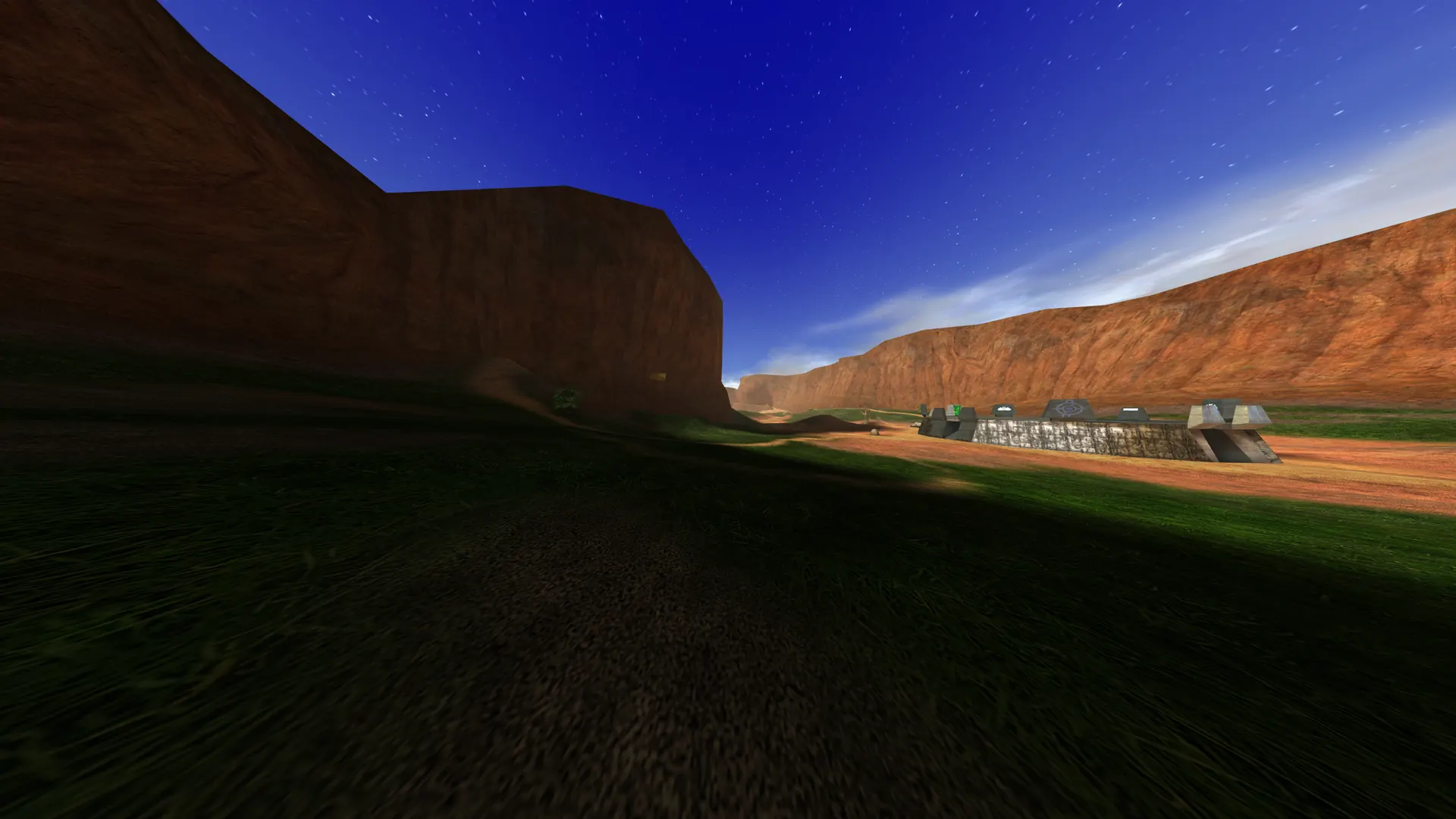 Normal 150°
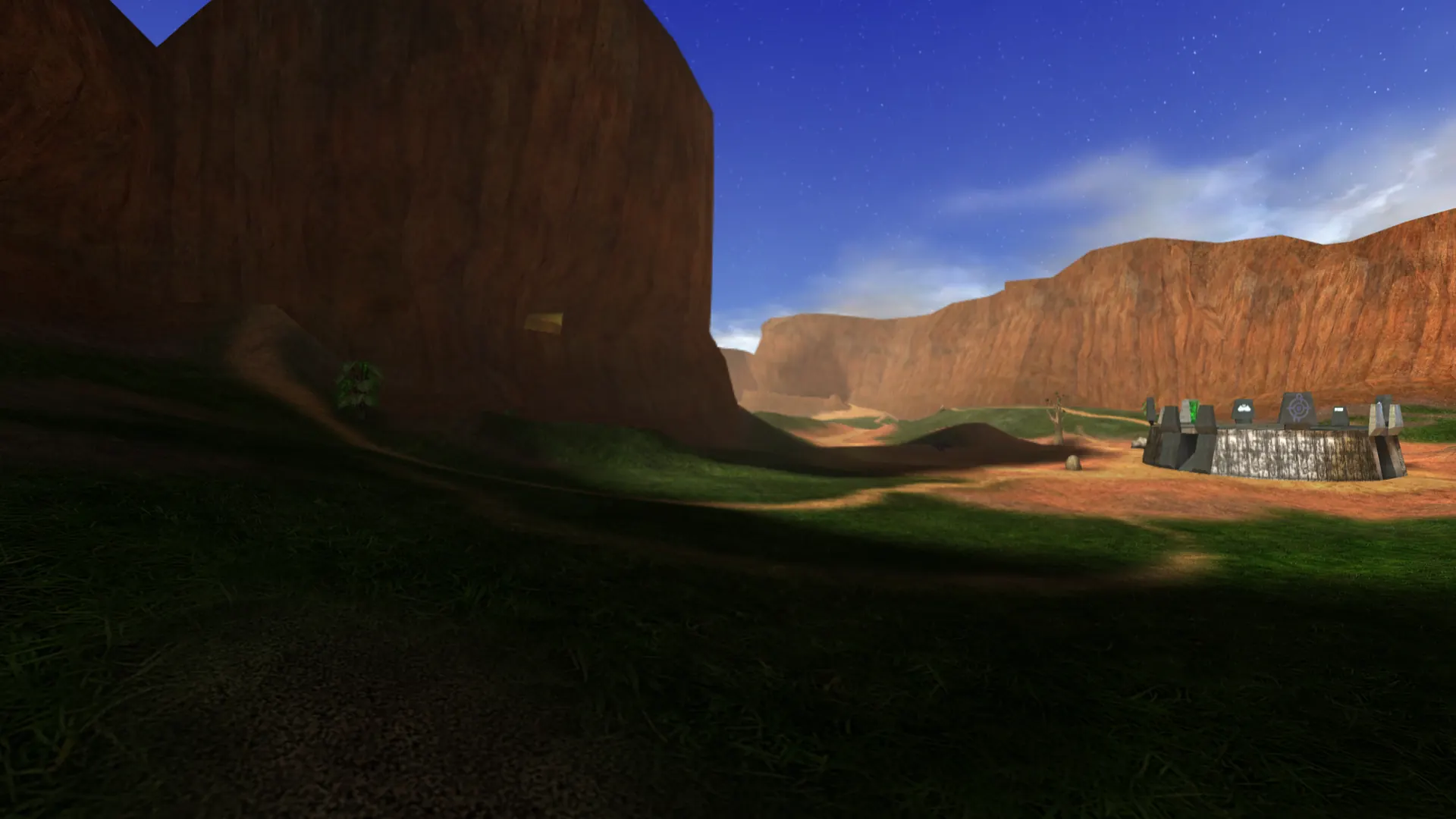 Panini 150°
Real capture, the same frame twice · Blood Gulch · a field of view of 150° across 16:9 · Normal, then Panini projection at strength 1 · HUD hidden; in play it stays flat
07 · Responsive
The time from your click to the shot on screen, measured in the game. The view turns the frame you move the mouse, your gun is drawn from the newest moment, and on GOAT H1's own servers your input lands on a step up to 120 times a second instead of 30. Here is one click, slowed down.
GOAT H1 fires 6 ms after you click. The original took 48 ms. In a close fight, that's who shoots first. And on GOAT H1's own servers, your input reaches everyone 120 times a second.
A slowed-down race from one click to the shot on screen: GOAT H1 120 Tick shows the shot 5.9 milliseconds after the click, the original 47.7 milliseconds after it. GOAT H1 fired 8 times sooner: 42 milliseconds you would otherwise be waiting. Faint marks behind each lane are its steps: every 33.3 milliseconds for the original, every 8.3 for GOAT H1.
Click, tap or press Space to fireTimed from our measurements
Pressing fire, stage by stage. The original drew one frame a tick and queued it behind the display; GOAT H1 acts on your press at the next step and shows it in the next frame.
Measured with the game's own log (debug.latency_log): pressing fire to the frame handed to the screen, median of 21 presses (50 for the original), on a Mac, in a local game with bots. Your display adds its own few milliseconds to both. The original's timing is recreated in GOAT H1 with its improvements switched off: 30 ticks, one frame a tick, no frames between ticks, the view drawn from the last tick. Each stage is its own median. This is a local game: on the Xbox's system link, which ran in lockstep, your own moves also waited a round trip to the other machines.
08 · 3D audio
Put on headphones. Every shot, engine and voice comes from where it is: behind you, above you, through a wall. It's the Xbox's 3D audio, rebuilt for every platform, with cover that muffles and rooms that ring.
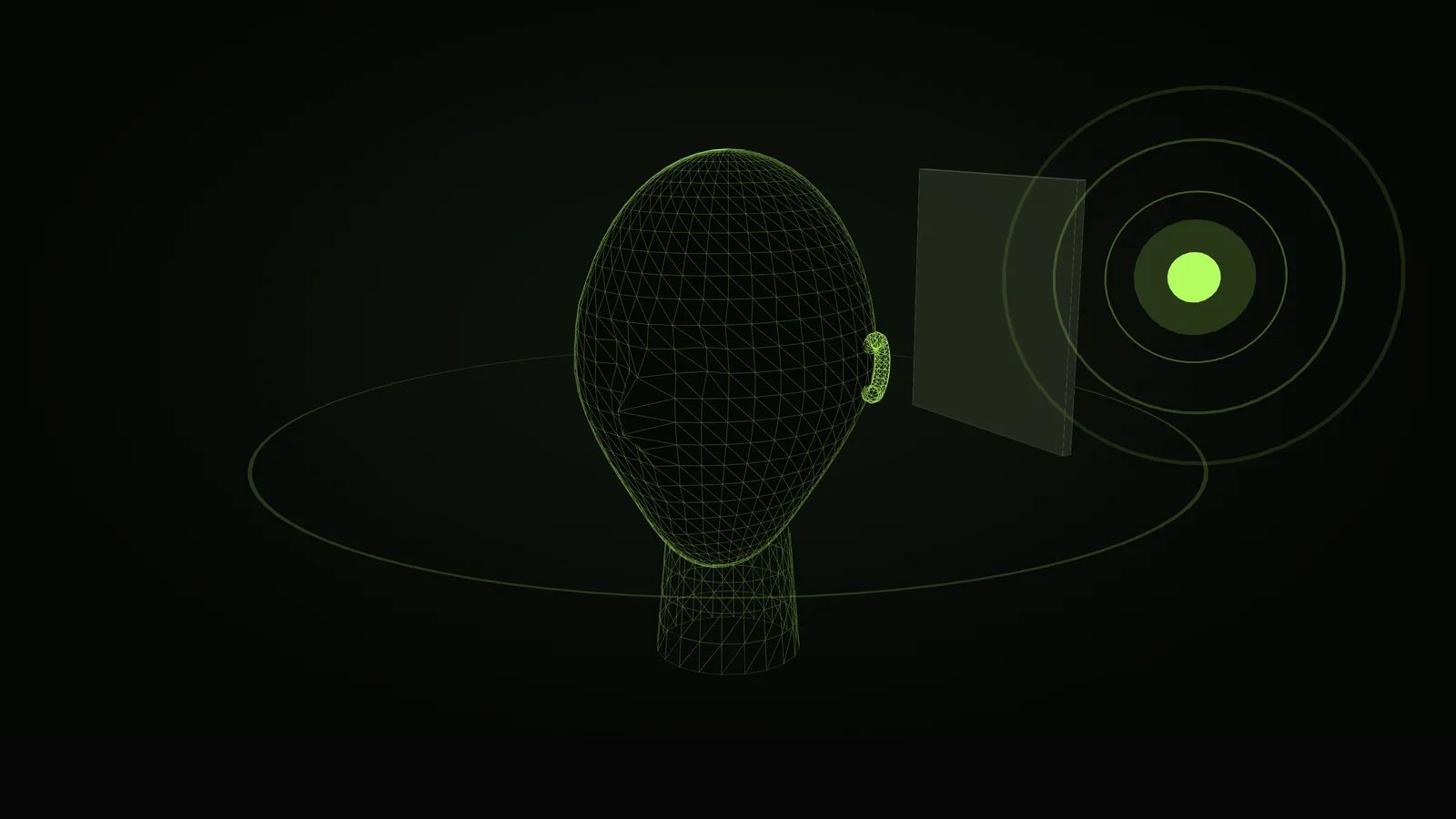
The sound here is your browser's own: Stereo pans it left and right, 3D is the browser's head model, a hint of the idea. In the game it's GOAT H1's own mixer: a model of a head on headphones, the levels' obstruction, occlusion and reverb, Doppler · 5.1 surround on surround systems · in VR, your real head
09 · VR on the Steam Frame
Made on a Steam Frame and drawn with Vulkan: the game in stereo, your head tracked, and your hands doing what the buttons did. It plays on PC headsets through OpenXR too.
10 · Platforms
One game, compiled for each machine and drawn by its own renderer. Keyboard and mouse, controllers, touch, or your own two hands.
A Mac app for Apple silicon, with its own Metal renderer.
Metal · macOS 14.4+
64-bit x86 and ARM, in a portable folder that updates itself.
Vulkan 1.3
Fills the screen at its own shape, with Steam Input.
Vulkan · up to 90 Hz
Touch controls with gyro aiming, or a controller.
Vulkan · 64-bit
The VR build, packaged for the headset.
Vulkan · OpenXR
64-bit, drawn with Vulkan, on the same code as Linux.
Vulkan 1.3 · 64-bit
11 · Under the hood
What makes it the original, and what it adds. Every line is in the project's documentation.
12 · Your copy
GOAT H1 contains none of the game's data. You need your own Xbox disc image of the game. Any version works.
.iso or .xiso), or its maps folder, when it asks. How to get your maps.13 · Get it
Free, and always the latest build. More machines are on the way.
For any Windows PC.
Download for Windowshalo.exe.Or with Scoop, with no warning:
scoop bucket add openh1 https://github.com/OpenH1/scoop-bucket
scoop install openh1
And any 64-bit Linux PC with Vulkan.
Download for Steam Deckinstall.sh in that folder, and choose your game's disc image or maps folder when it asks. Or skip that: put the disc image in Downloads or on your SD card.Apple silicon, macOS 14.4 or later.
Download for Mac.dmg.64-bit Android 9 or later, with Vulkan 1.3.
Download for AndroidThe VR build, for the headset.
Download for Steam Frameinstall.sh in that folder, and choose your game's maps folder when it asks.